Product review
Poppy AI Review: What It Does, Where It Fits
A source-checked look at the visual canvas, imports, AI models, content tools, collaboration, privacy, and limitations in 2026.
By ChatGrid Editorial · Published and documentation checked August 3, 2026
The verdict
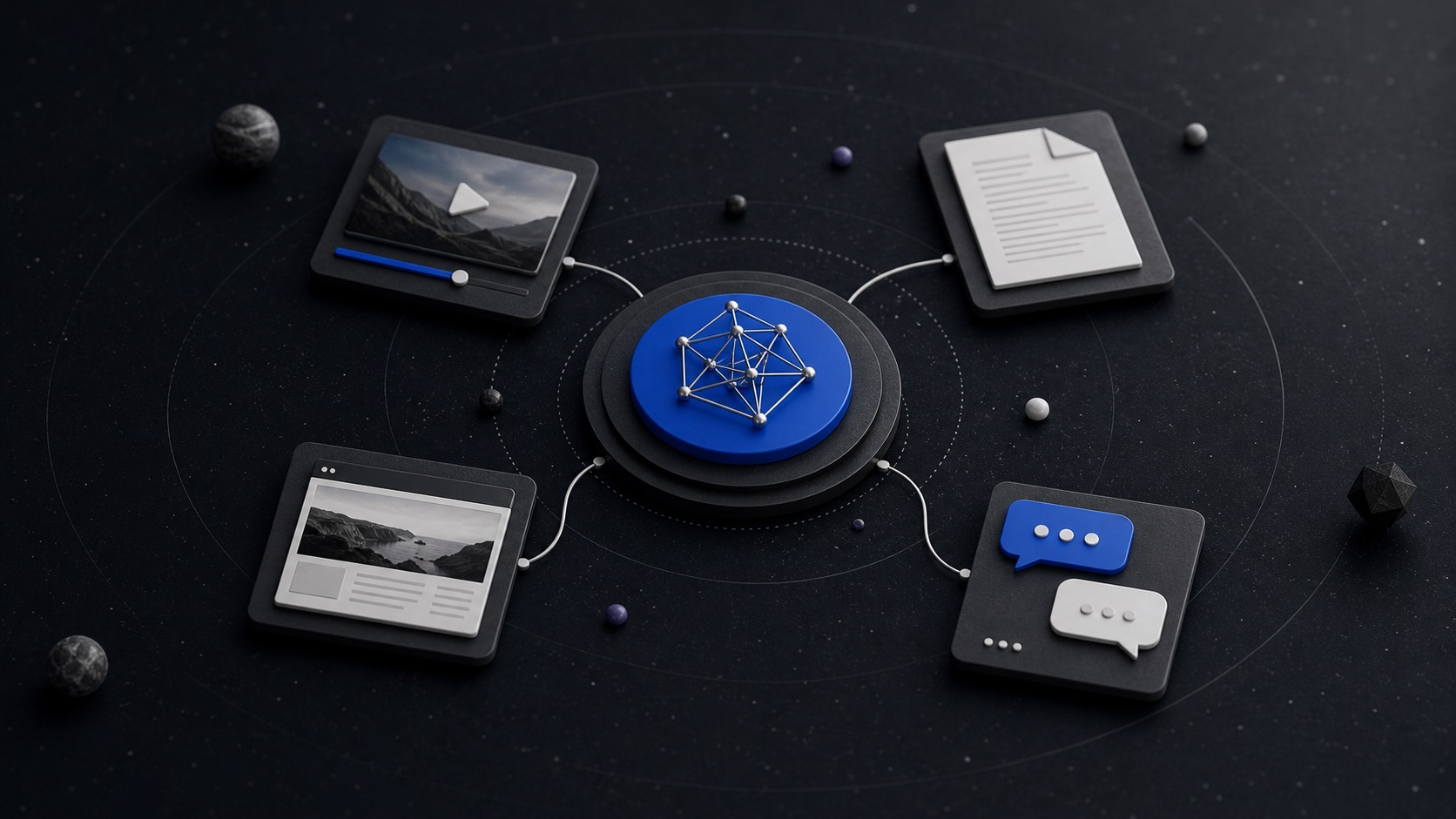
Poppy is a focused visual workspace for creators and marketing teams that repeatedly turn several sources and brand rules into content. Social posts, videos, documents, websites, audio, notes, brand material, and multiple AI chats can remain visible and selectively connected on a board.
It is best suited to source-heavy, branded production. It is a less obvious buy for occasional prompting, general diagramming, large facilitated workshops, or buyers who need a free trial and month-to-month billing.
This is a documentation-based review, not a claim of hands-on performance testing. ChatGrid makes a visual AI workspace and therefore has a commercial interest in the category.
What Poppy AI does
- Visual workspace: boards with groups, notes, text boxes, folders, connections, and multiple chats.
- Source imports: supported social posts and videos, websites, documents, audio, video, text, Drive, Dropbox, images, and notes.
- AI choices: switchable Claude, GPT, Gemini, and Grok families plus image models; official pages disagree on exact variants.
- Outputs: scripts, copy, images, carousels, presentations, and single-page landing pages.
- Teams: shared boards, team accounts, roles, and shared credit pools on eligible plans.
Documented limitations
Poppy caps each uploaded file at 100MB and a website import reads only the exact URL supplied. Visual analysis is unavailable for YouTube, Zoom, and Loom. Everything connected to a chat plus its history contributes to processing, context limits, and credit use, so large source sets can trigger overload errors.
Landing pages are single-page only, have no backend forms or payment processing, and cannot be code-edited inside Poppy. Version history can restore board elements, but a restore replaces later work and cannot recover chat history inside a surviving chat. Complete portable board export is not documented in the sources reviewed.
Privacy, data access, and ownership
Poppy says it does not sell personal information. Its policy also describes analytics and session recording, staff or contractor access for support and product improvement, and retention generally ranging from 90 days to two years after termination. The terms grant Poppy a license to use user data to provide, improve, and expand the service but do not clearly assign ownership of every generated output to the user.
Who Poppy AI is for
Poppy is a strong documented fit for research-to-script workflows, separate client content systems, campaign-asset production, and teams that benefit from reusable board context. It is not positioned primarily as a large-team workshop or diagramming tool.
Direct self-serve plans are annual: Basic is $399/year, Creator $2,268/year, and Power User $4,788/year. Read the full pricing guide for credits, promotions, renewal, and refund conflicts.
Frequently asked questions
What is Poppy AI?
Poppy AI is a visual, board-based workspace for content research and production. Users place social media, video, web, document, audio, image, note, and brand sources on a board, connect selected context to an AI chat, and create assets such as scripts, copy, images, presentations, carousels, and landing pages.
Is Poppy AI worth it?
It is most defensible for creators, marketers, and agencies that repeatedly turn several sources and brand rules into revenue-related content. It is harder to justify for casual use, a single simple chat, or buyers who need a free trial or month-to-month billing. This review does not claim hands-on performance testing.
Is Poppy AI good for YouTube research?
Poppy supports YouTube links and can use the available source information in connected chats. Its content-integration guide says visual analysis is not currently available for YouTube, Zoom, or Loom, so do not assume it evaluates every visual frame of those sources.
Does Poppy AI have a free plan or trial?
Poppy's current pricing help and subscription terms say there is no free trial. Direct self-serve subscriptions are billed yearly. A separate paid AppSumo lifetime offer has its own refund window; that is not free access.
Can teams collaborate in Poppy AI?
Yes. Poppy documents editable shared boards and team accounts with shared credits and admin or member roles. Link collaborators must have Poppy accounts, can edit the board, and can see all chat histories on it. Team-member allowances depend on plan.
Which AI models does Poppy AI use?
Poppy documents Claude, GPT, Gemini, and Grok model families plus several image models. Its official model guide, homepage, credit guide, and promotional pages do not show one consistent frozen roster, so verify the models available in your account rather than relying on an old list.
Can I export a Poppy AI board?
Poppy documents internal board duplication, copying sources and groups between boards, copying chat responses, and HTML export for presentations and landing pages. We did not find current first-party documentation for exporting a complete board to a portable format, so ask support if full-board portability matters.
Does Poppy AI own generated content?
Poppy's public terms grant the company a license to use user data to provide, improve, and expand the service, but the terms reviewed do not clearly assign ownership of every AI-generated output to the user. Obtain clarification for sensitive client or commercial work rather than assuming a right that is not stated.
Browse the visual workspace shortlist, follow the YouTube research workflow, or see the focused ChatGrid and Poppy comparison.